
Fapcraft Bedrock Edition: Mobile Download Hub
Welcome, mobile adventurers! This is your official source for Fapcraft Bedrock Edition (MCPE). Download optimized .mcpack and .mcaddon files for your Android or iOS devices. Enjoy the ultimate Fapcraft experience directly on your smartphone or tablet.
Why Choose Fapcraft Bedrock?
Experience Fapcraft without the complex setup of Java. Our Bedrock builds are designed for seamless mobile integration and performance.
Select Your Fapcraft Bedrock Build
Minecraft PE 1.21.x
Minecraft PE 1.20.81
Minecraft PE 1.19.83
Download the .MCPACK / .MCADDON File
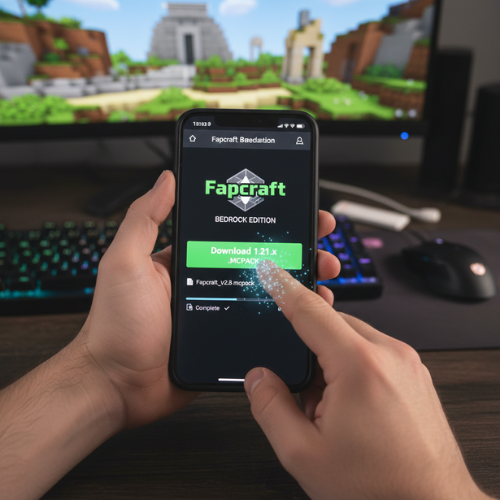
Choose your desired Fapcraft version from the table above and tap the “Download” button. The file will be saved to your device’s default download folder (e.g., “Downloads” on Android, “Files” on iOS).
Note: Do NOT try to open the file with a general file explorer. It’s designed for direct import into Minecraft PE.
One-Tap Import into Minecraft PE
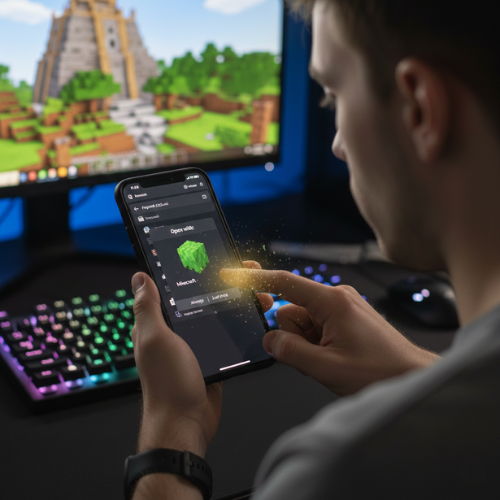
Once the download is complete, simply tap on the downloaded .mcpack or .mcaddon file from your file manager or browser’s download list. Your device will automatically recognize it and prompt you to import it directly into Minecraft PE.
Confirmation: Minecraft will launch, and you will see “Import Started” and “Import Successful” messages at the top of the screen.
Activate the Mod in Your World
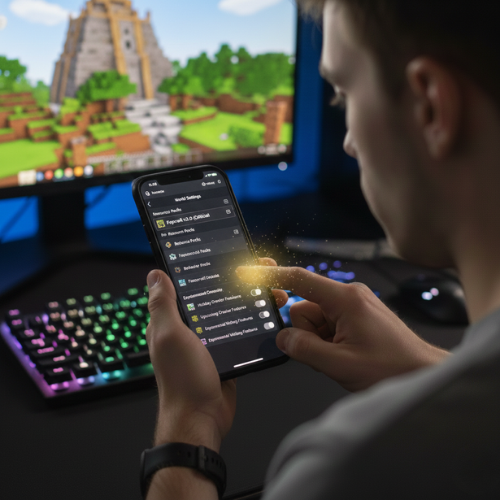
After successful import, open or create a new world in Minecraft PE. Before entering the world:
Go to “Resource Packs” and activate the Fapcraft texture pack.
Go to “Behavior Packs” and activate the Fapcraft behavior pack.
Crucial: In the “Game Settings” for your world, enable “Experimental Gameplay” features for the mod to function correctly.
Launch Your World & Play!

Once all packs are activated and Experimental Gameplay is enabled, simply launch your world. Fapcraft characters will now start spawning in their respective biomes, ready for you to interact with.
Enjoy: Dive into the enhanced Fapcraft experience directly from your mobile device!
Mobile Troubleshooting & Tips
Mod Not Showing? Ensure you activated both the Resource and Behavior packs in your world settings.
Performance Issues? Close other background apps to free up RAM.
Experimental Gameplay: This must be enabled for the mod’s advanced features to work.